


Family portrait
Make every face clear again
Remove creases and dust while preserving the original frame.
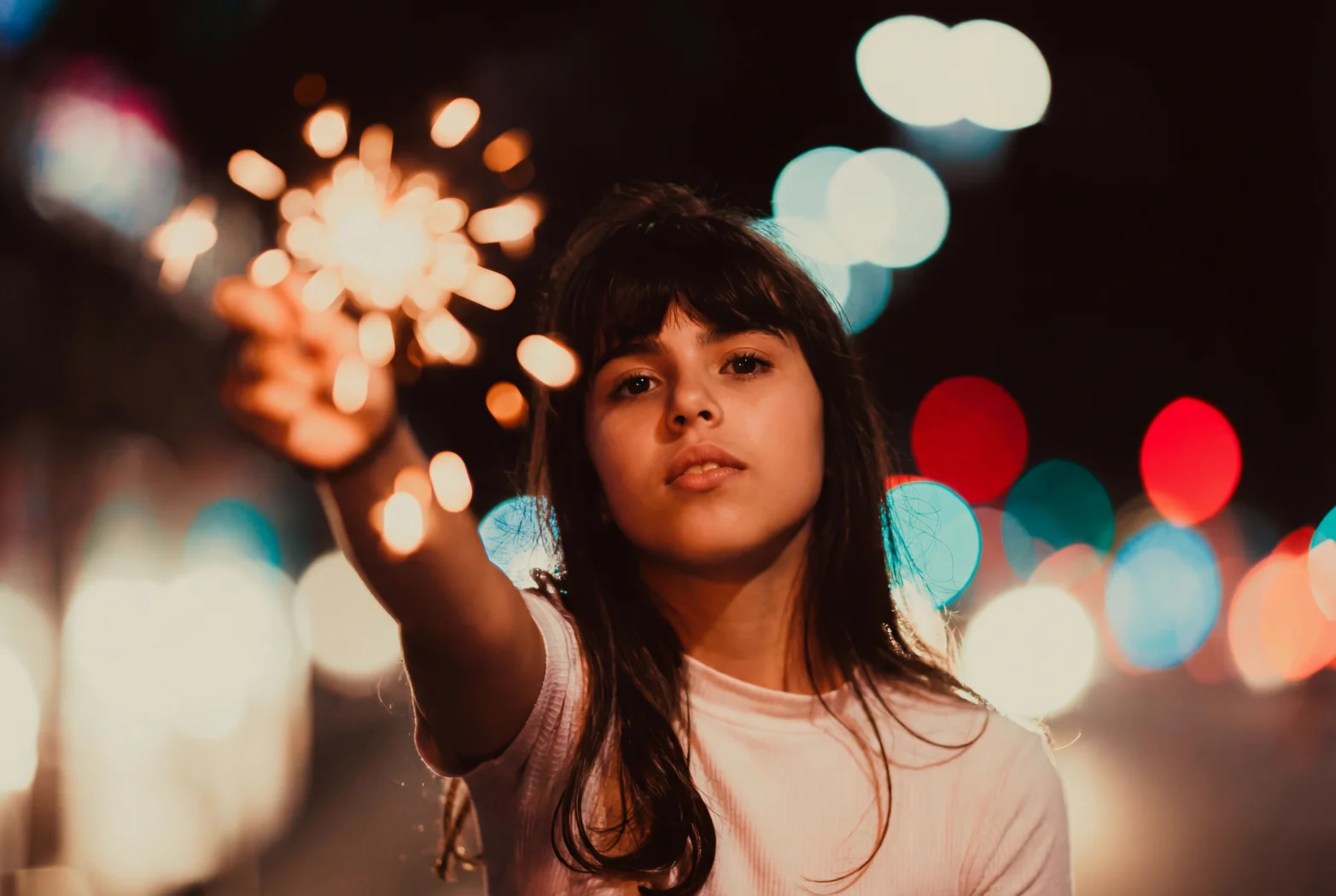

Keep the light of that moment
Sample photos · drag to compareTHUP.AI / PHOTO RESTORER
Bring back faces, colors, and forgotten details. Upload a photo to start restoring your memories.
or drop your photo here
JPG / PNG / WebP≤ 20 MBYou can also paste an image directlyYour photo is used for this restoration only
See how it worksTHUP.AI / PHOTO RESTORATION
We read fading, damage, faces, and material before suggesting a direction. A real story should keep its sense of time.
01 / RESTORATION STORIES
From a family portrait to a solitary travel photograph, every restoration starts with the real condition of the original.
Remove creases and dust while preserving the original frame.
Enhance facial detail without changing identity or mood.

Recover depth and color so the scene can breathe again.
02 / WHY THUP.AI
Start with faces, fabric, and edges. Recover character without covering the photograph in artificial sharpness.
Keep the original color character, or bring a black-and-white image back into a natural, believable range.
Keep the original composition and relationships. Restoration makes a memory clearer; it does not invent another photograph.
03 / Keep what matters
A familiar face. A faraway place. A moment together. Start with an original, and bring the little details back into view.
Restore your photo04 / HOW IT WORKS
The flow stays simple, while every decision remains visible.
Drop, choose, or paste a JPG, PNG, or WebP image.
Confirm color, scratches, faces, and restoration strength.
Review the before-and-after slider when the task completes.
05 / QUESTIONS
Stage A supports JPG, JPEG, PNG, and WebP images up to 20 MB each.
Free accounts can generate up to 2 images per day, one image per submission, using V1 and 1K by default.
No. Your photo is used for the restoration task only. Retention depends on your account type.
Agent restoration will open when it can understand a photo, ask questions, and submit a real task.
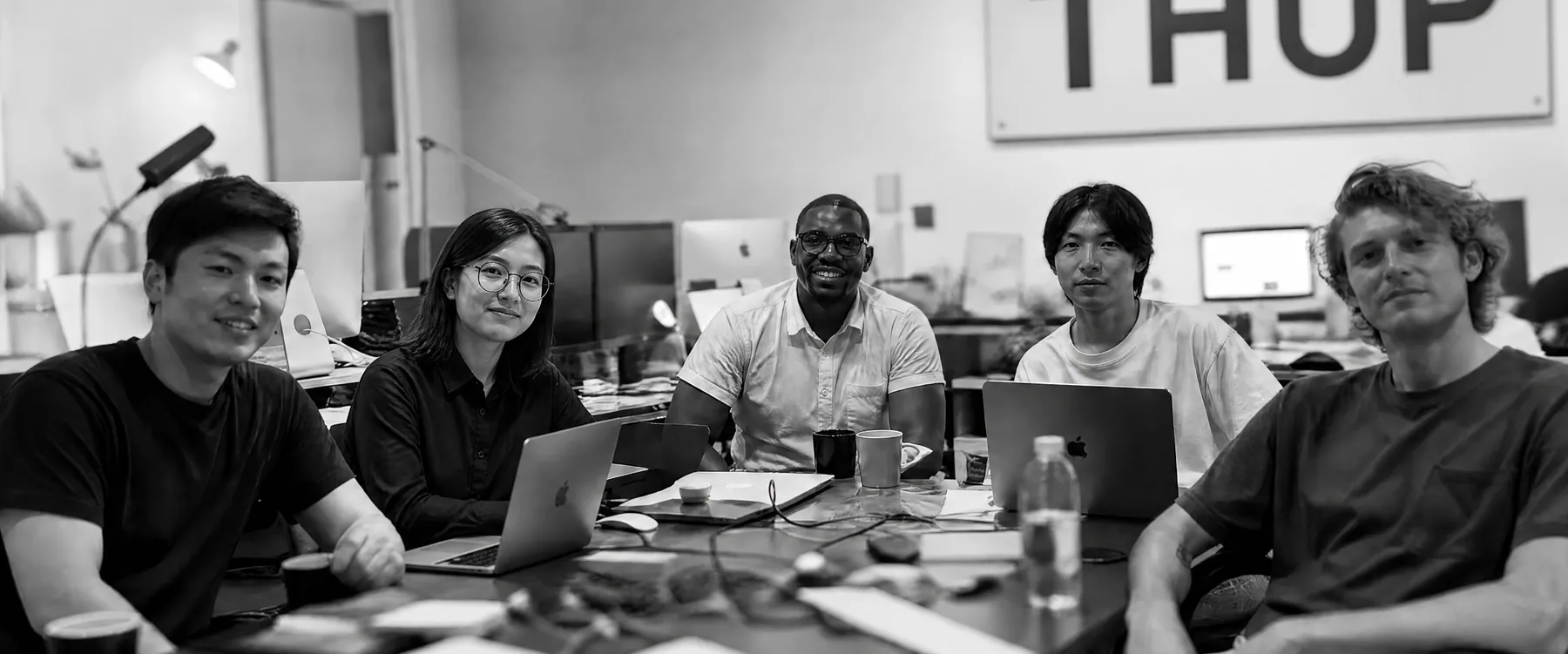
THUP GROUP
THUP GROUP brings together designers, engineers, and image makers. Since 2023, we have been building clearer, more respectful tools for understanding, creating, and restoring images.